> For the complete documentation index, see [llms.txt](https://docs.sea-lion.ai/llms.txt). Markdown versions of documentation pages are available by appending `.md` to page URLs; this page is available as [Markdown](https://docs.sea-lion.ai/guides/inferencing/bedrock_access_gateway.md).
# Bedrock Access Gateway
In the [previous guide](/guides/inferencing/amazon_bedrock.md), we have shown how to leverage on Amazon Bedrock‘s Custom Model Import to deploy SEA-LION in the cloud. After importing the SEA-LION models, you can build applications with the AWS SDK. This guide describes an alternative method to build the applications with OpenAI-compatible APIs served by the **Bedrock Access Gateway**.
## Prerequisites
The SEA-LION model is [imported](https://docs.aws.amazon.com/bedrock/latest/userguide/model-customization-import-model.html) and available on Amazon Bedrock. For imported models, you are charged for model inference. Please refer to the [Amazon Bedrock Pricing](https://aws.amazon.com/bedrock/pricing/) page for the latest information.
Please check that the following are installed on your development machine.
* [Git](https://git-scm.com/downloads)
* [Python](https://www.python.org/downloads/)
## Local Installation
If you have already cloned the repository from the previous [guide](/guides/inferencing/amazon_bedrock.md), skip to the next step. The repository is a fork to support the imported models. At the time of writing, the original repository supports [foundation models](https://docs.aws.amazon.com/bedrock/latest/userguide/models-supported.html) only.
```bash
git clone https://github.com/aisingapore/bedrock-access-gateway.git
```
Navigate to the src directory.
```bash
cd bedrock-access-gateway/src
```
Check the [access keys](https://docs.aws.amazon.com/sdkref/latest/guide/feature-static-credentials.html) and environment variables. Please ensure that `AWS_REGION` is set to the region where the model is imported.
* `AWS_ACCESS_KEY_ID`
* `AWS_SECRET_ACCESS_KEY`
* `AWS_SESSION_TOKEN`
* `AWS_REGION`
### Run with Uvicorn
Before running the gateway, it is a good practice to create a virtual environment to isolate the app. Please follow these steps to create a virtual environment, or feel free to use your preferred tool.
Initialise the virtual environment.
```bash
python -m venv venv
```
Activate the virtual environment.
```bash
source venv/bin/activate
```
Install the packages.
```bash
pip install -r requirements.txt
```
Start the gateway.
```bash
uvicorn api.app:app --host 0.0.0.0 --port 8000
```
### Run with Docker Compose
Alternatively, start the gateway with Docker Compose if it is installed.
```bash
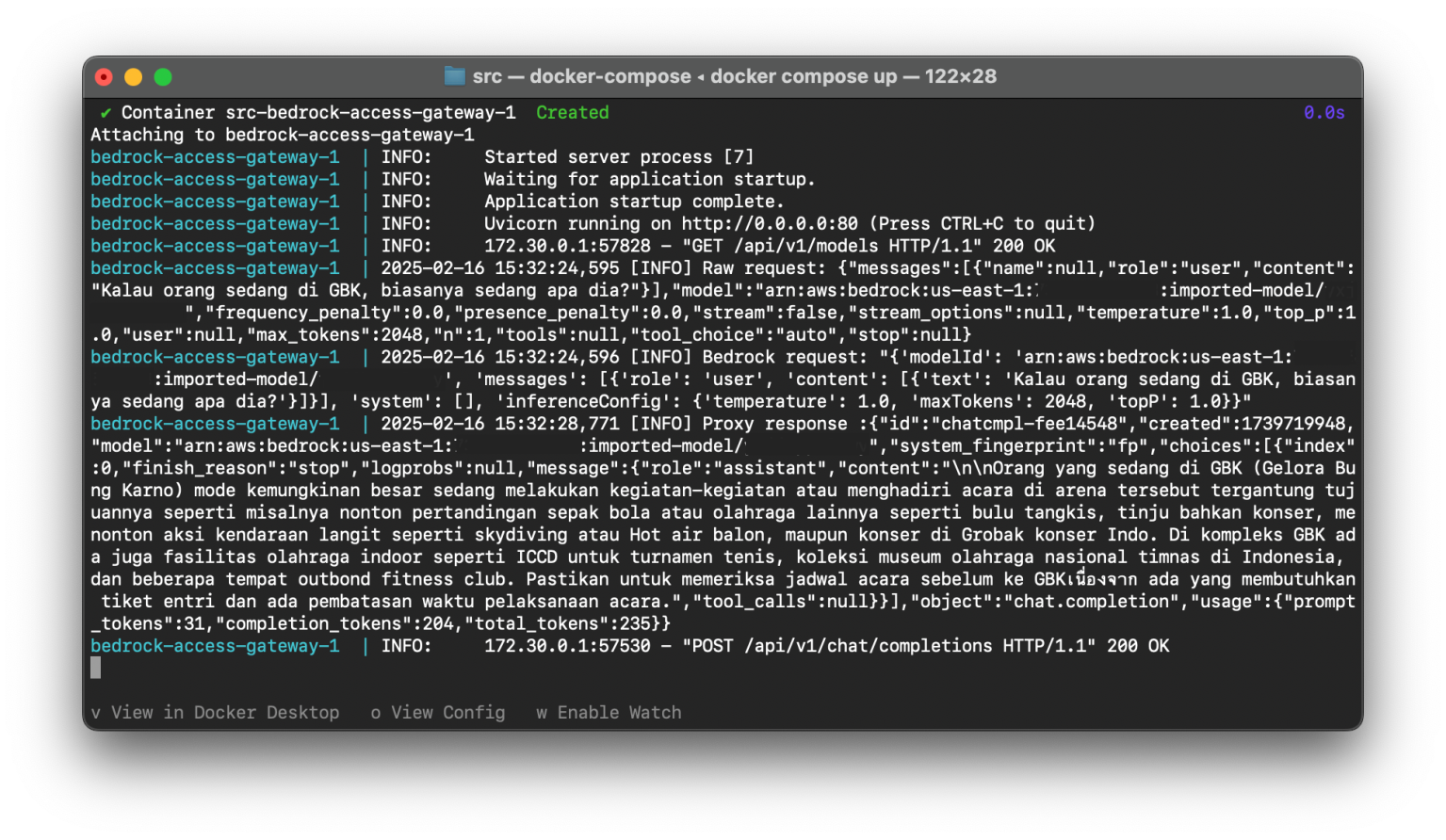
docker compose up
```
## Test the APIs
List the models with the following curl script. The imported model is in the list with the format `arn:aws:bedrock:::imported-model/`
```bash
curl http://localhost:8000/api/v1/models -H "Authorization: Bearer bedrock"
```
Test the chat completion API with the following curl script. Replace ``, `` and `` with the values from the imported model’s ARN (Amazon Resource Name) from the model list.
```bash
curl http://localhost:8000/api/v1/chat/completions \
-H "Content-Type: application/json" \
-H "Authorization: Bearer bedrock" \
-d '{
"model": "arn:aws:bedrock:::imported-model/",
"messages": [
{
"role": "user",
"content": "Kalau orang sedang di GBK, biasanya sedang apa dia?"
}
]
}'
```
## Demo
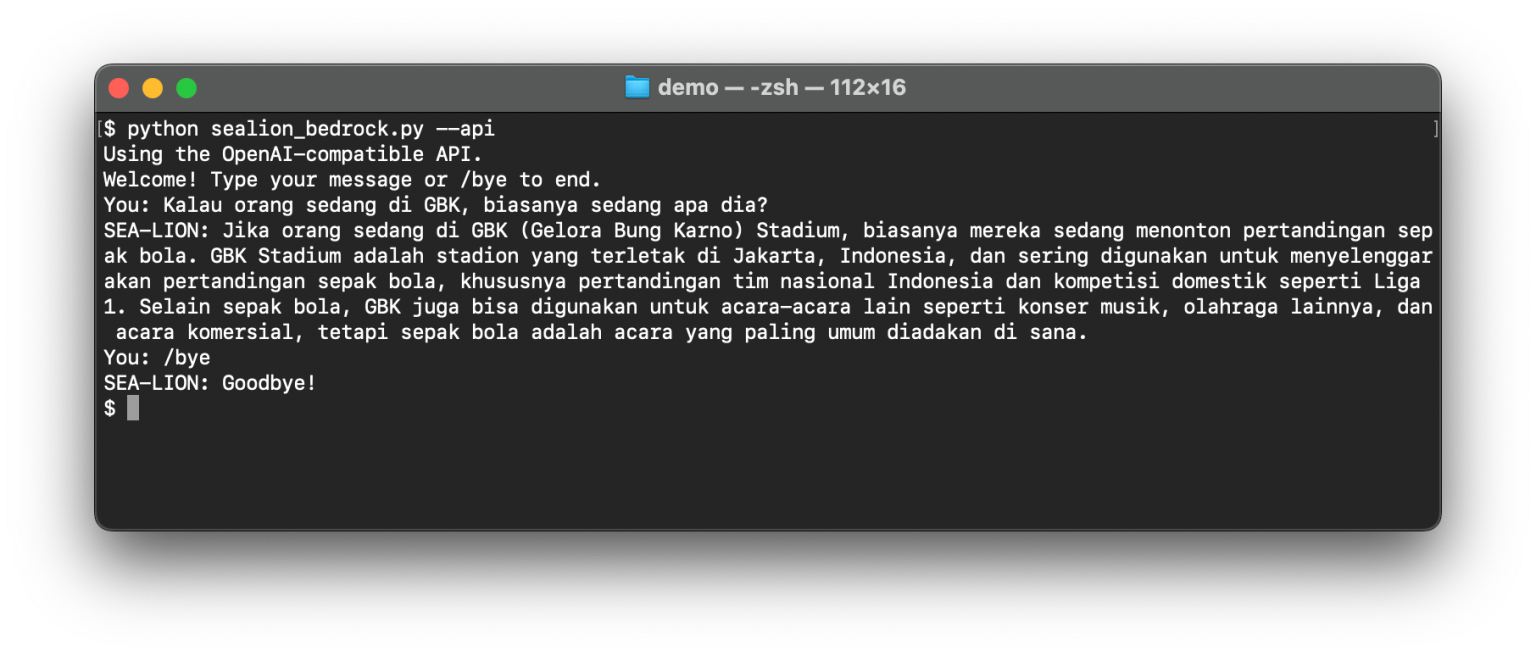
With the gateway, the demo from the [previous guide](/guides/inferencing/amazon_bedrock.md) can use the [Python library for OpenAI API](https://pypi.org/project/openai/) to integrate with the imported model. Follow the steps in the guide to set it up. Run the demo with the `--api` parameter.
```bash
python sealion_bedrock.py --api
```
## Links
* SEA-LION Models on Hugging Face:
* Bedrock Access Gateway:
* Production deployment:
---
# Agent Instructions
This documentation is published with GitBook. GitBook is the documentation platform designed so that both humans and AI agents can read, navigate, and reason over technical content effectively. Learn more at gitbook.com.
## Querying This Documentation
If you need additional information that is not directly available in this page, you can query the documentation dynamically by asking a question.
Perform an HTTP GET request on the current page URL with the `ask` query parameter, and the optional `goal` query parameter:
```
GET https://docs.sea-lion.ai/guides/inferencing/bedrock_access_gateway.md?ask=&goal=
```
`ask` is the immediate question: it should be specific, self-contained, and written in natural language.
`goal` is optional and describes the broader end goal you are ultimately trying to accomplish on behalf of the user. GitBook uses it to tailor the answer towards what is most useful for that goal.
The response will contain a direct answer to the question and relevant excerpts and sources from the documentation.
Use this mechanism when the answer is not explicitly present in the current page, you need clarification or additional context, or you want to retrieve related documentation sections.